Your Design System Is Leaking Data (And Your Third-Party Scripts Know It)
By The bee2.io Engineering Team at bee2.io LLC
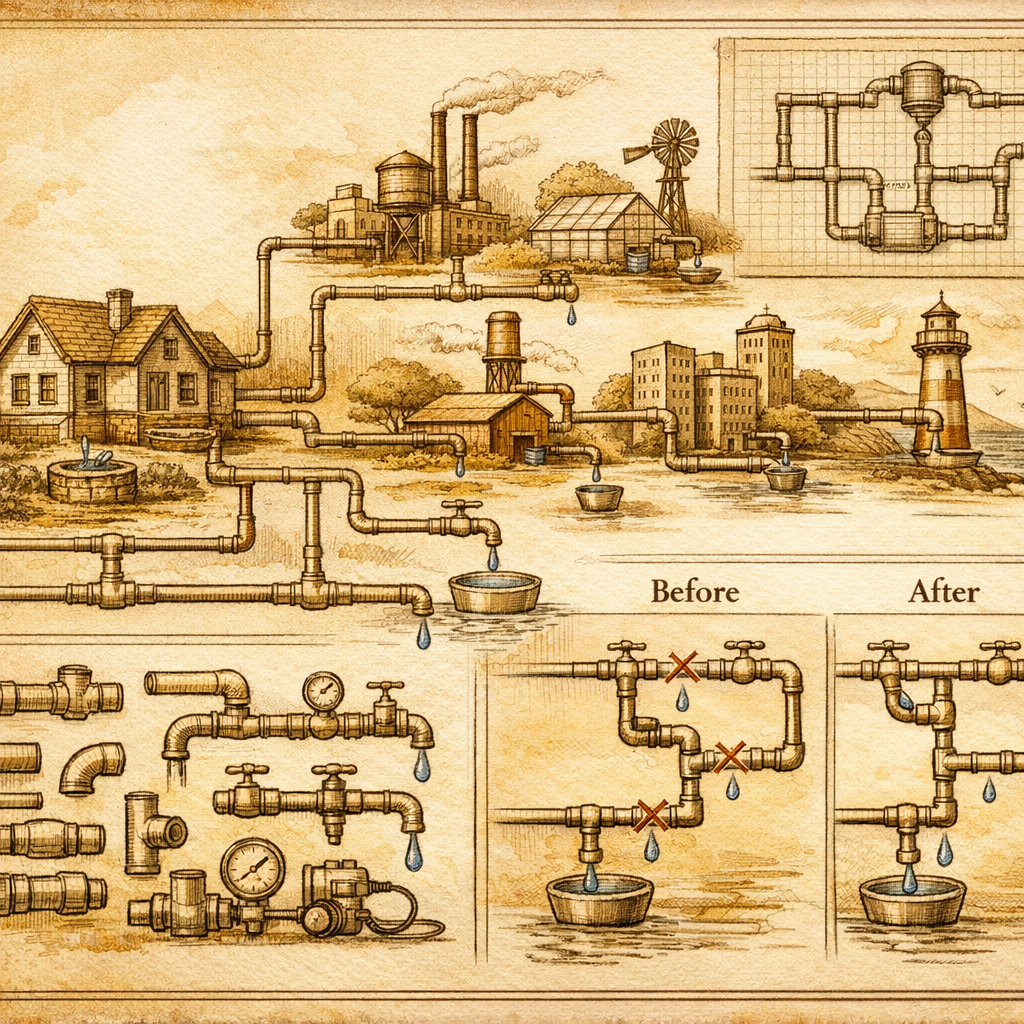
Your website has a dirty little secret: it's probably sharing user data with companies you've never heard of, through code you didn't write, via mechanisms your privacy policy conveniently forgot to mention. And the worst part? Your design system is basically handing them the keys.
Think about it. You've got a button component. It's beautiful. Consistent. Used everywhere. So when a third-party analytics script, tracking pixel, or ad tag attaches itself to that button, it's not just on one page anymore- it's firing on every instance of that component across your entire product. Congratulations, you've just scaled your data-sharing problem exponentially. That's not a bug, that's a feature of poorly integrated third-party code.
Industry data suggests the average website loads between 50-100 third-party scripts. That's not a number I made up to sound dramatic- that's published research, and it's bonkers. Each one is potentially collecting, storing, and monetizing user behavior. Most companies couldn't list them all if you asked nicely. Most privacy policies sure don't.
When Your Design Tokens Become Data Pipelines
Here's where this gets weird: your design system- those beautiful, centralized tokens that make consistency possible- is exactly where third-party scripts love to hide. A shared button component gets a tracking attribute. A global form component gets a pixel attached. A navigation pattern gets wired to a consent manager that's configured so loosely it might as well be a suggestion.
The problem is architectural. When a single component serves your entire product- web, mobile, email, whatever- and you've let third-party vendors modify or instrument that component without proper governance, you've created a data-sharing agreement that affects literally every product surface. It's like changing the locks on your front door but not telling everyone who has a key to your back door. Actually, worse- it's like installing new locks while the back door is already open.
A popular SaaS platform discovered they had three different tracking implementations living inside their button component. Three. Different vendors collecting the same events, the same user IDs, the same click coordinates. Their designers thought they were shipping one experience. Their privacy team was sweating through their shirts.
Fixing It Means Auditing Everything at Once
The solution isn't sexy, but it's necessary: treat third-party script integration as a design system concern, not a post-launch question. This means:
- Centralize consent logic in your design tokens. If a component needs to fire tracking code, that logic belongs in one place- managed, versioned, auditable. Not scattered across 47 different implementations.
- Version your third-party integrations like you version your code. When you update a component, you should be able to see exactly which third-party scripts are affected and how. This should be terrifying to you. Use that terror productively.
- Create a third-party script inventory that's linked to your component library. Not in a spreadsheet someone's been meaning to update. In your actual documentation. Make it impossible to forget which vendors are touching which components.
- Treat data collection as a design constraint, not an afterthought. When you're designing a new component, the conversation should include "what data will this component expose to third parties?" If that sounds paranoid, you haven't been paying attention.
The beautiful part? This approach actually improves your product experience. Unified data governance means fewer janky loading states, cleaner event tracking, better performance. It's not a compliance checkbox masquerading as strategy- it's genuinely good product architecture.
What You Can Do Right Now
Open your browser's network tab. Load your homepage. Count how many requests are going to vendors you don't recognize. Now open your design system documentation and try to find where those vendors are documented. If you're laughing nervously, welcome to most of the internet.
Here's the real talk: most third-party scripts aren't malicious. They're just... there. Accumulating data like you accumulate browser tabs. But without a design system that governs them, they become impossible to audit, modify, or remove without breaking something. That's not security, that's negligence with a loading spinner.
Check your own site with SCOUTb2. See which third-party scripts are actually present. Map them back to your components. Adjust your design system documentation to reflect reality. It's tedious work, but it's the difference between having a privacy policy and actually practicing privacy.
Disclaimer: This article is for informational purposes only and does not constitute legal, professional, or compliance advice. SCOUTb2 is an automated scanning tool that helps identify common issues but does not guarantee full compliance with any standard or regulation.
Stop finding issues manually
SCOUTb2 scans your entire site for accessibility, performance, and SEO problems automatically.